LinuxHelper Learning Journal
LinuxHelper is one of my first projects. It was written in Python, which is one of the most widely known languages. The graphical interface library is "Tkinter". My purpose in making this project was to facilitate Windows users' transition to Linux and open new doors for them.
LinuxHelper is Born
After going through a challenging but equally enjoyable learning process about Linux, installing the necessary software tools, and learning Python from the internet, I decided to start making real projects. For my project to be attention-grabbing, my area of interest also had to be attention-grabbing. I learned from some platforms (Reddit, YouTube..) that many Windows users today want to switch to Linux but don't have enough technical knowledge and need help, so I decided to develop software that would assist them. The idea for LinuxHelper was born then.
Getting Started
Main Engine (main.py)
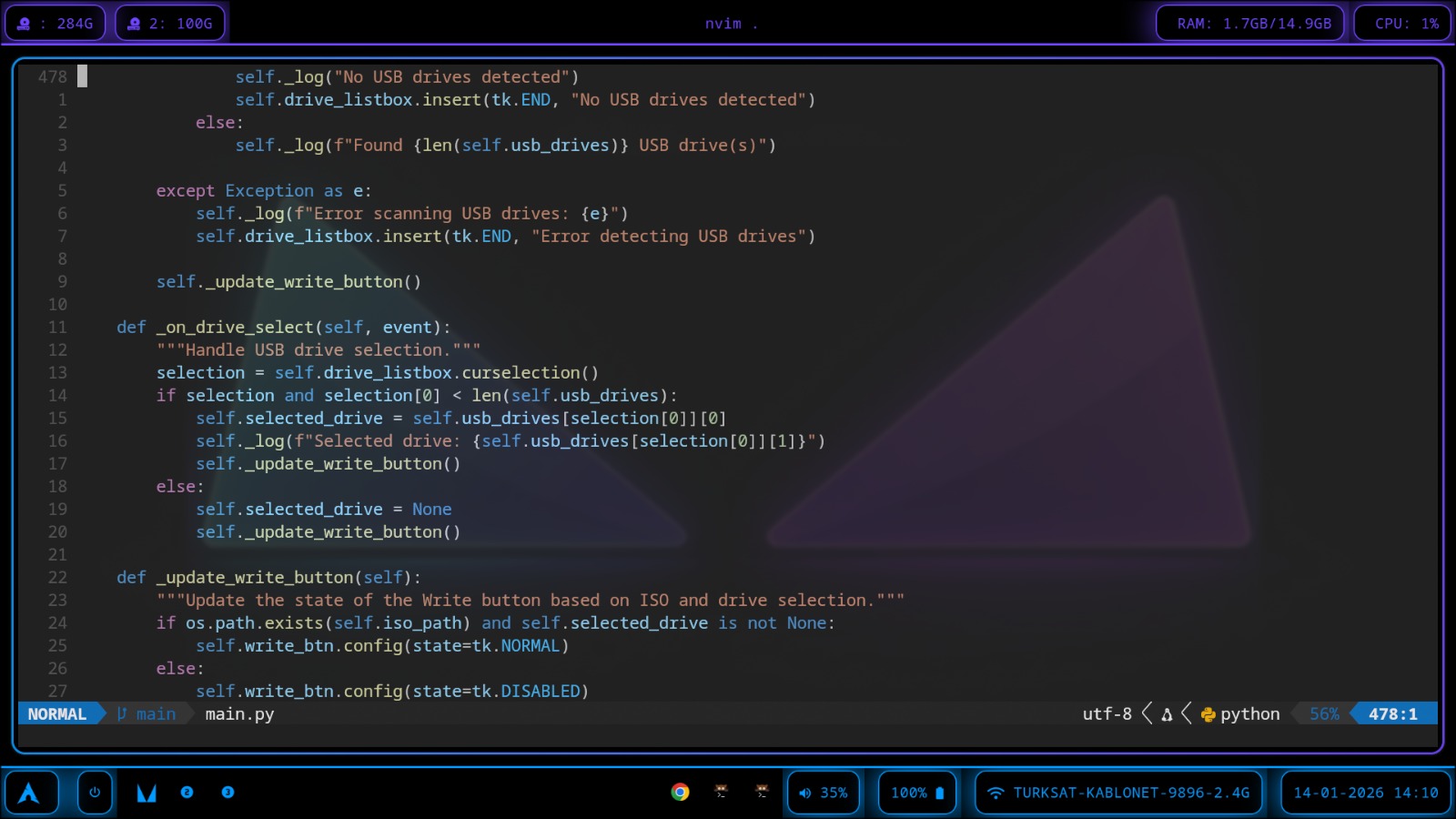
I started making LinuxHelper first with the main engine (main.py). This would contain LinuxHelper's pages, manage distro URLs, define the computer's operating system and download folder, download ISOs from my Google Drive account, write them to USB, and at the same time provide logs while doing this and apply basic operations like these. In short, it would create the software's skeleton. Operations would take place here. Without this code, LinuxHelper couldn't work because it was both calling the screens and performing the backend task to make LinuxHelper do its job. Some components of main.py are a measure-and-executor functions and many lists. Inside the executor functions, there are worker functions, and these functions are the functions that execute the operations.
Main.py starts by showing the welcome screen to the user. Afterwards, the warning screen comes. Users who accept the warnings are shown the hardware screen, and at the same time, their computers are scanned and hardware is classified. Then, a screen asking personal preferences is shown to the user. Finally, with all this information, 2 or 3 distributions (distros) are recommended to the user. The user selects a distro, and main.py starts the real work by downloading the distro ISO.
ISOs are downloaded from ISO lists with a complementary function (_download_iso). Inside the list are the URL's IDs, and the function places the ID into Google Drive URL format to reveal the final distro URL. The distro is downloaded with this URL. The downloaded ISO is written to the USB formatted with diskpart using "dd", or if not available, manually with diskpart. All operations are reported to the user as logs. And finally, with the user's approval, the computer is restarted with advanced options and directed to the USB.
While making main.py, I learned important basic topics such as how to write an ISO with PowerShell, how to partition a disk similarly with PowerShell, how to control multiple Python files in one file.
WelcomeScreen (welcome screen)
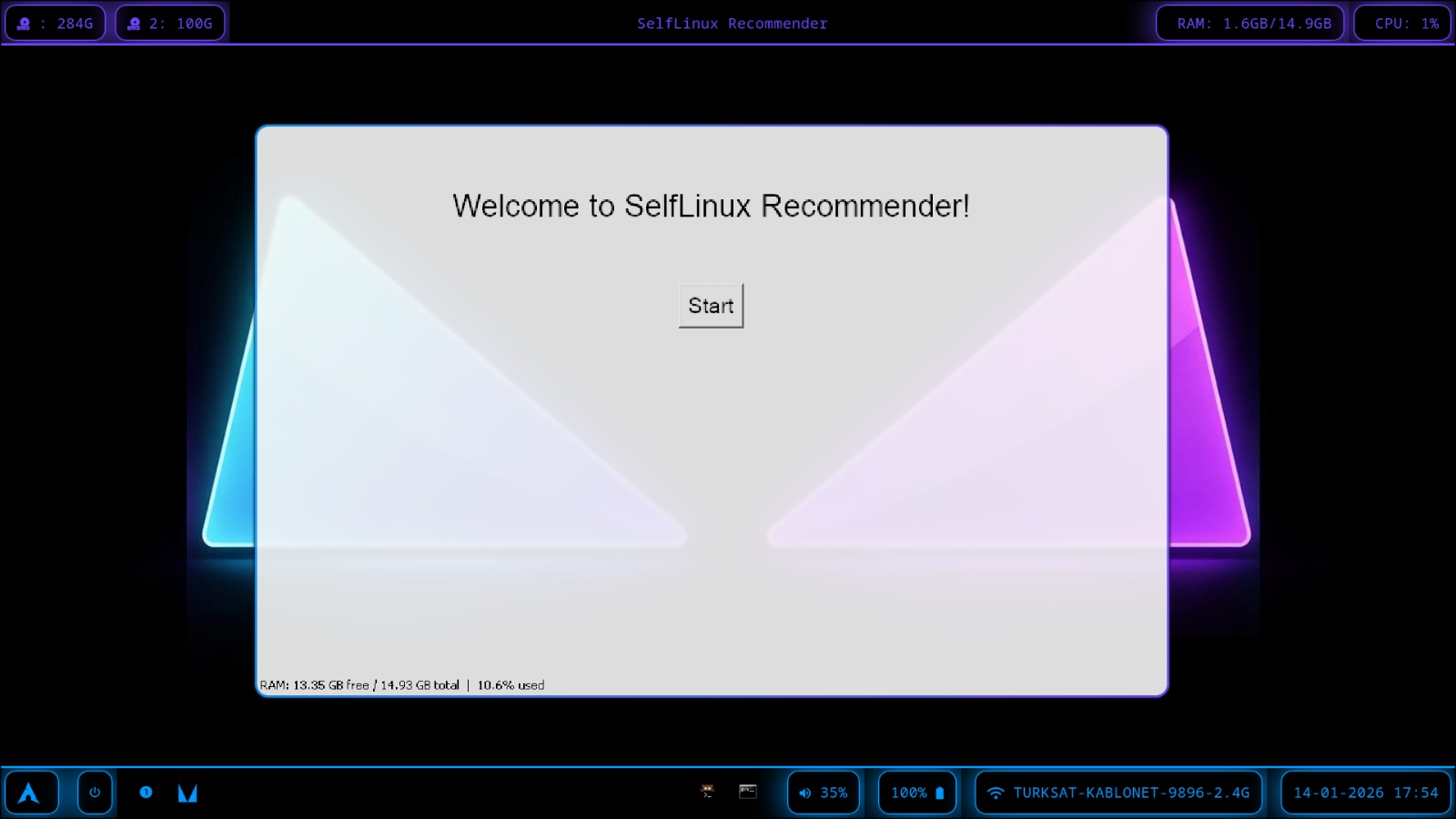
On this screen, the user is welcomed and continues by pressing a button.
WarningScreen (warning screen)
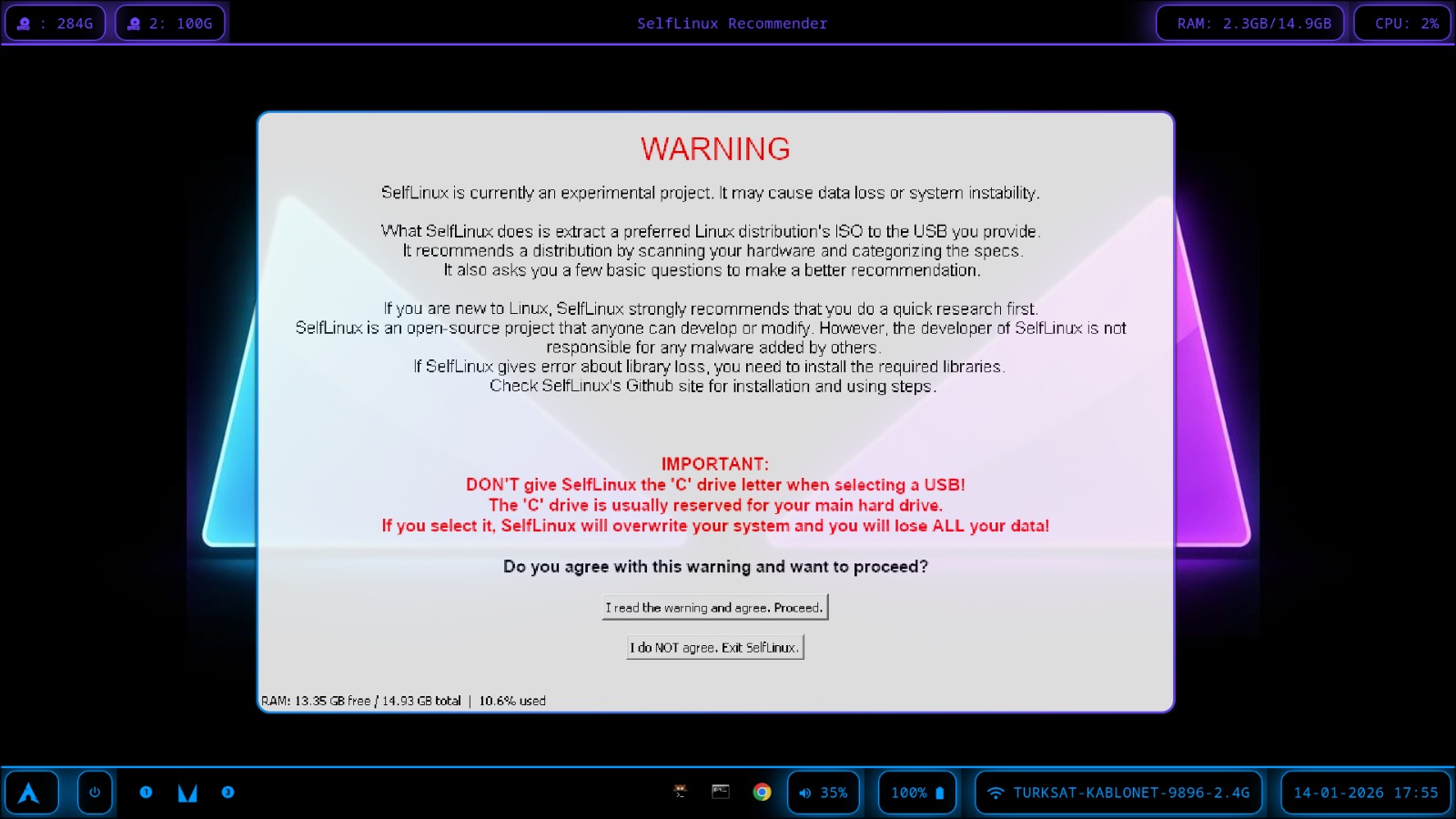
On this screen, the user is informed about important topics such as LinuxHelper being an experimental project, that they are responsible for any problems that may occur on their computer if they continue, and what they should pay attention to when specifying a disk to LinuxHelper, and the user either continues by approving this or closes LinuxHelper by not approving.
While creating this screen, I realized that warning the user and informing them about risks was an important operation.
HardwareScreen (Hardware Screen)
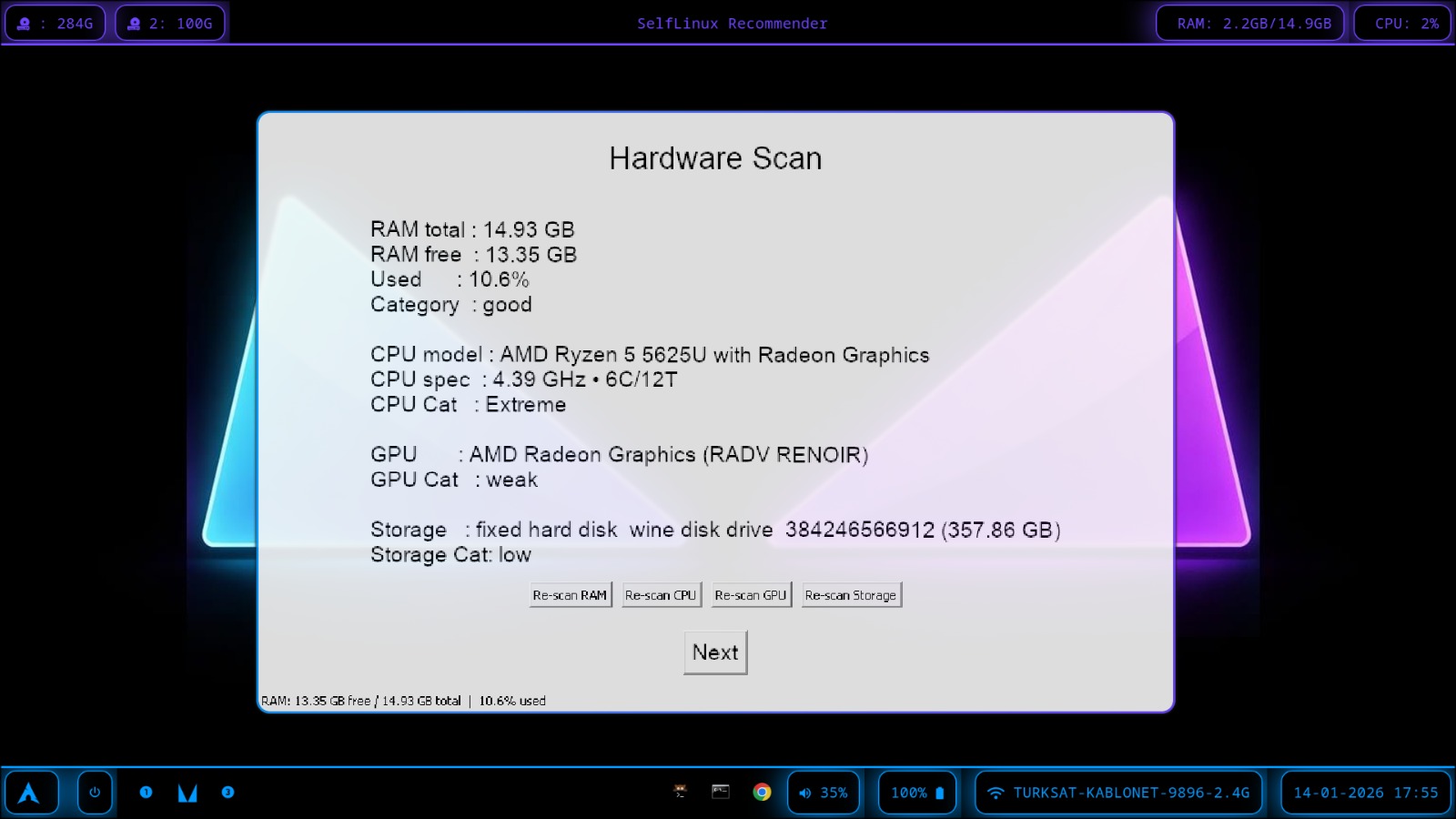
This screen only shows the scanned computer hardware to the user and provides rescan buttons. The hardware scanning operation takes place on the main machine, i.e., in main.py.
While making this screen, I learned better the communication between frontend and backend.
Preferences Screen (preference screen)
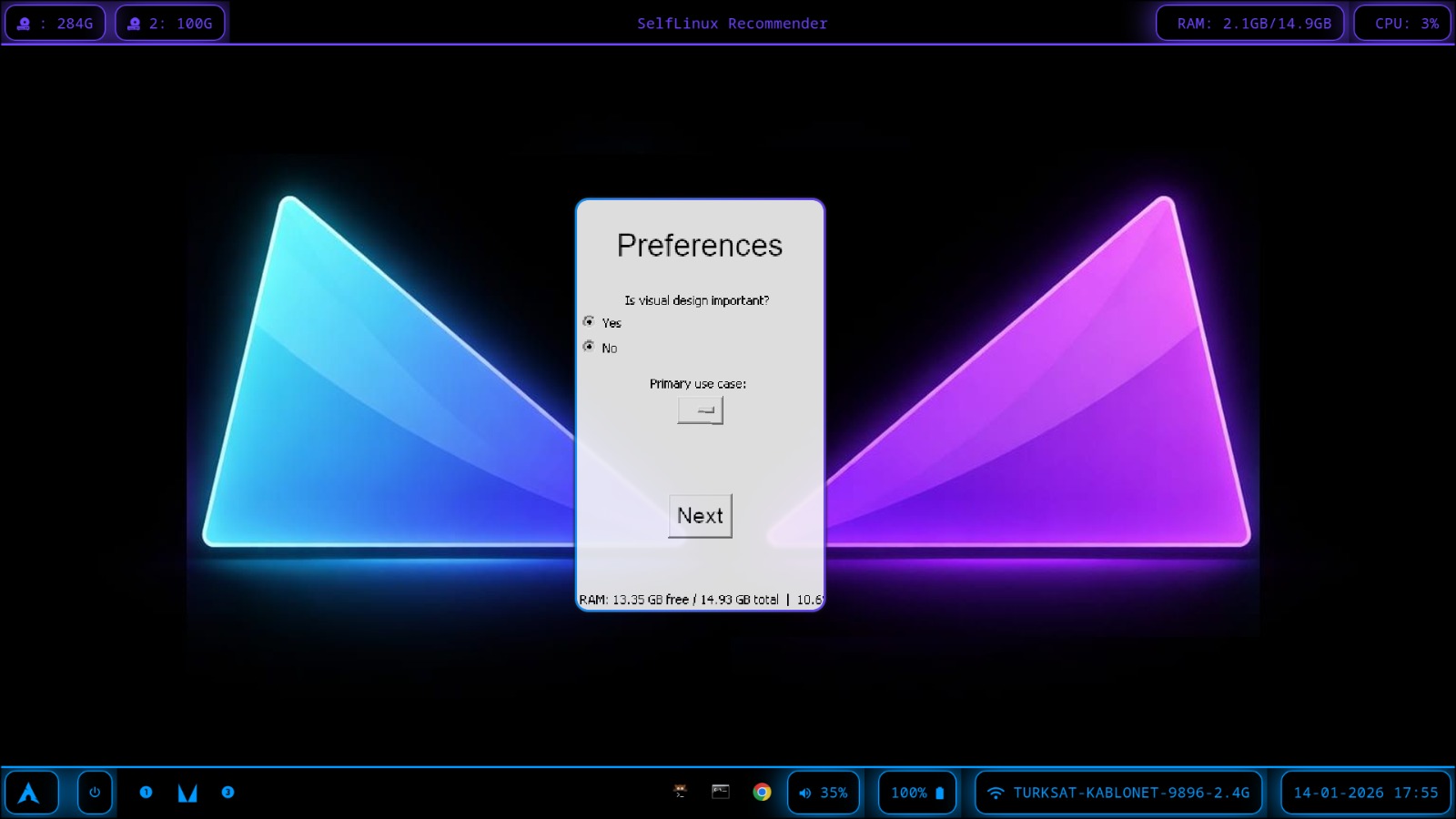
On this screen, 2 questions about personal preferences are asked to the user. The questions are:
- Is visual design important? (Is graphic design important to you?)
- Primary use case (usage area)
The user's answers are stored in main.py and later used to recommend distributions to the user.
RecommendationScreen (recommendation screen)
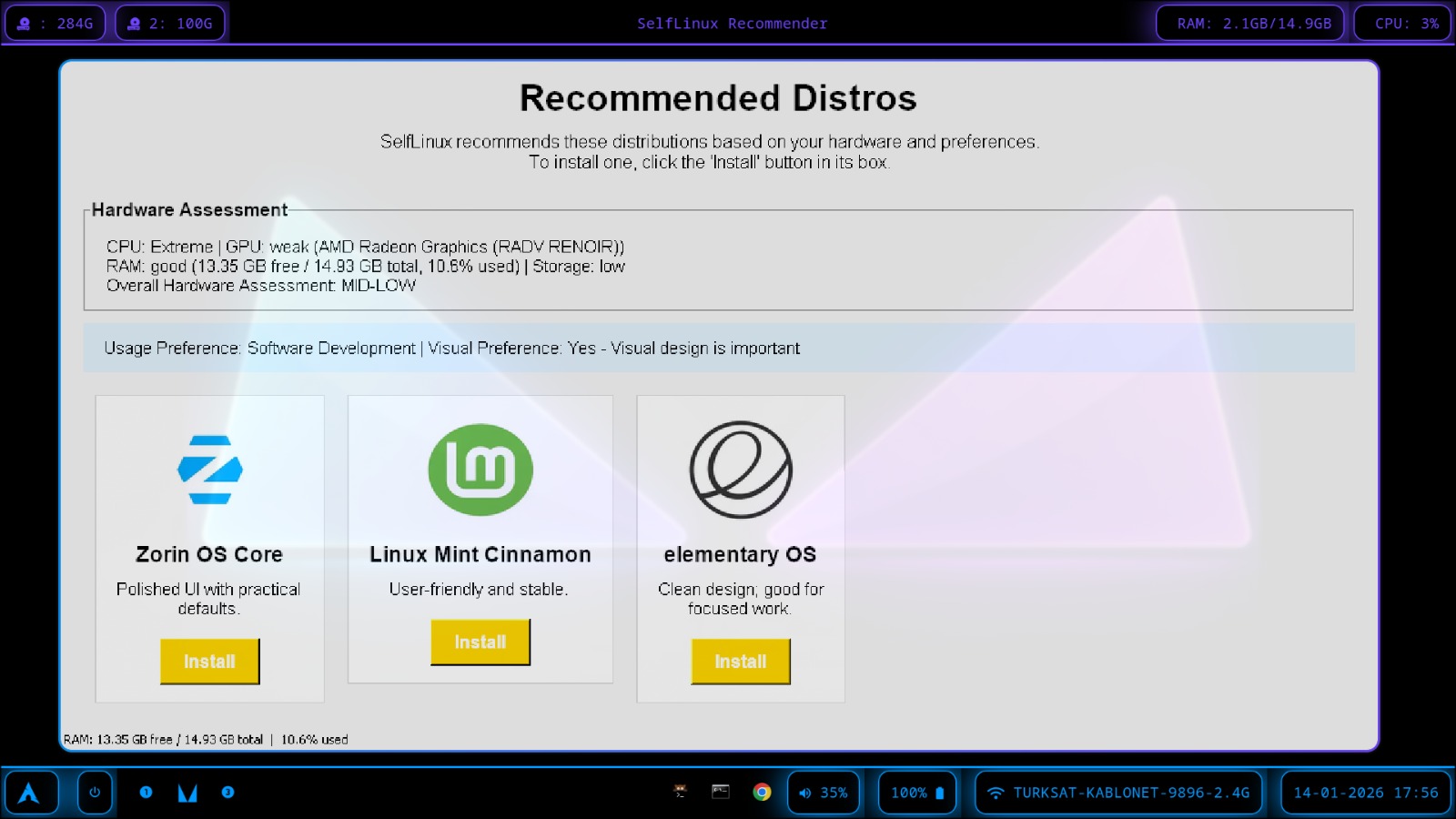
On this screen, the distributions recommended by LinuxHelper according to hardware levels and user preferences are presented to the user. If you wish, let me explain a bit more about how LinuxHelper recommends distributions to the user.
This time, operations take place in "RecommendationScreen.py" instead of "main.py". While classifying computer hardware, it is classified according to the number of powerful hardware. When recommending distros, LinuxHelper uses the matrix I prepared. After hardware is classified as "Low, mid-low, mid-high, high", user preferences are taken into account and all are compared with the data in the matrix. In my matrix, there are 2 or 3 distributions for each scenario. LinuxHelper finds the scenario compatible with the user data from within the Matrix and then lists the distributions belonging to the scenario in the Matrix on the screen. Each distribution is in a box and has an install button below. The user presses the install button of the desired distribution and continues.
While creating this screen, I learned about matrix usage and how I could make a more effective decision mechanism.
LinuxHelper Activity
Github
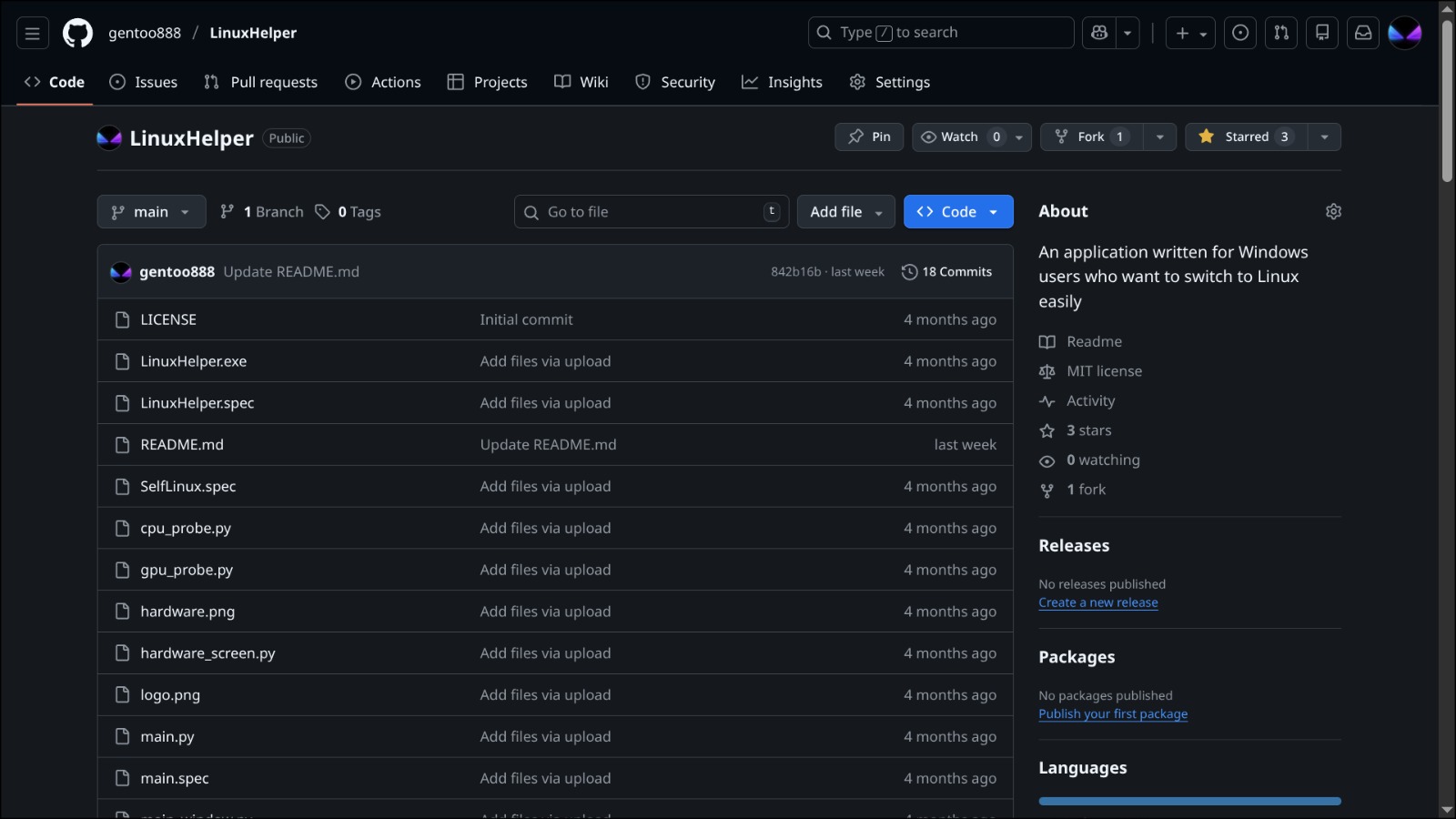
After completing LinuxHelper, I shared it on Github. It's still there. So far I have 3 stars and one fork.
My Brother's Computer
I tried running LinuxHelper on my brother's computer. My brother's computer's operating system was Windows 7. Because it didn't have the advanced reboot feature, it didn't work, but when we did it with Windows 10, it worked successfully. From this I learned that Windows 8 and below versions don't have the Advanced Reboot feature and I needed to determine system requirements accordingly.
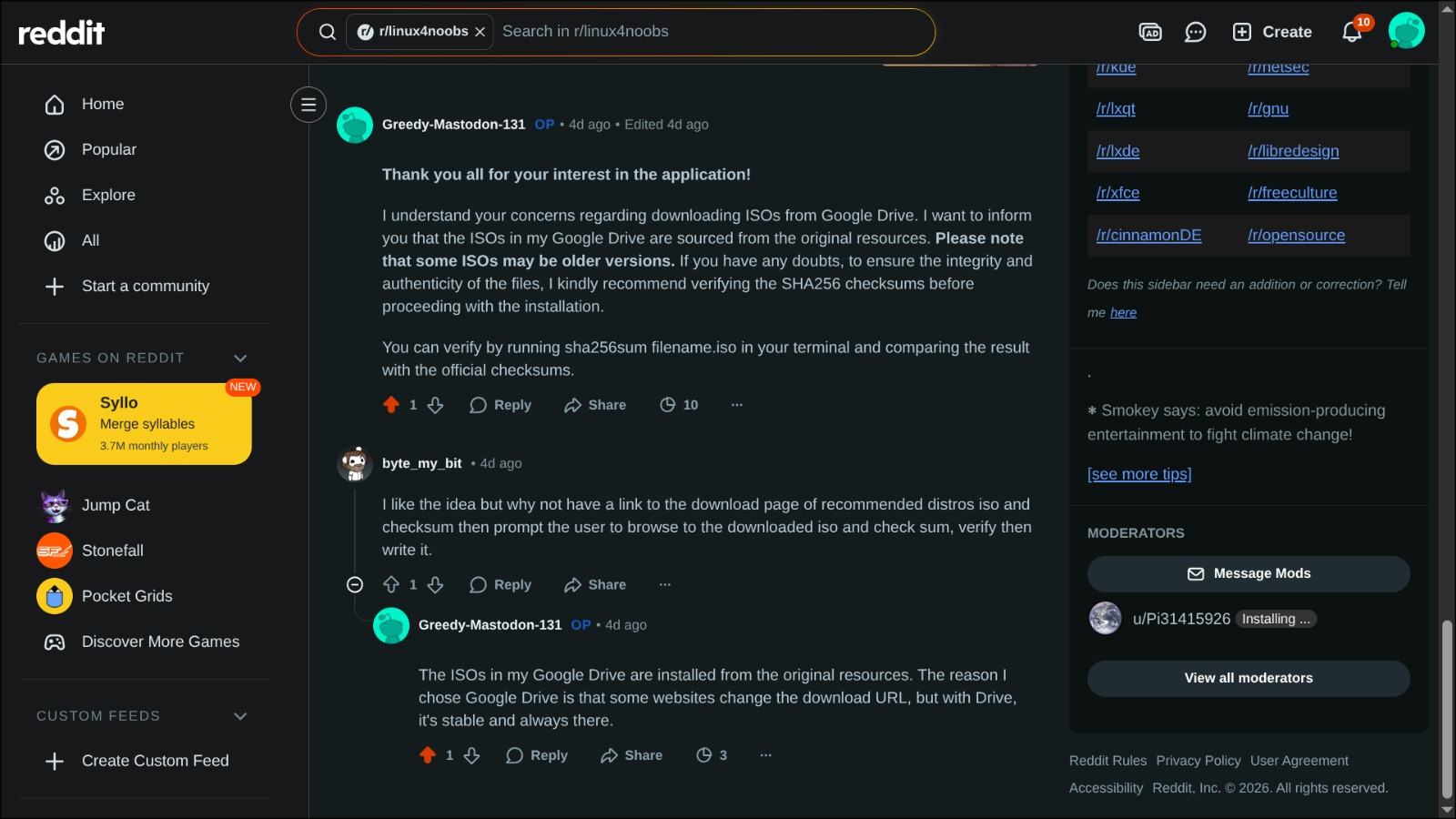
To reach more people with LinuxHelper, I decided to advertise. I chose Reddit as a suitable platform. I shared a post there, but things didn't go as I expected. When the Reddit community saw that ISOs were downloaded from my Google Drive account, they became suspicious, and shortly after, my post was automatically deleted from Reddit. This was actually a very good thing for me. Because I had found a point that needed improvement.
What am I doing now?
- I'm improving the point I learned thanks to the Reddit community mentioned above. I plan to do this by integrating an internal SSH verification into the program and informing the user.